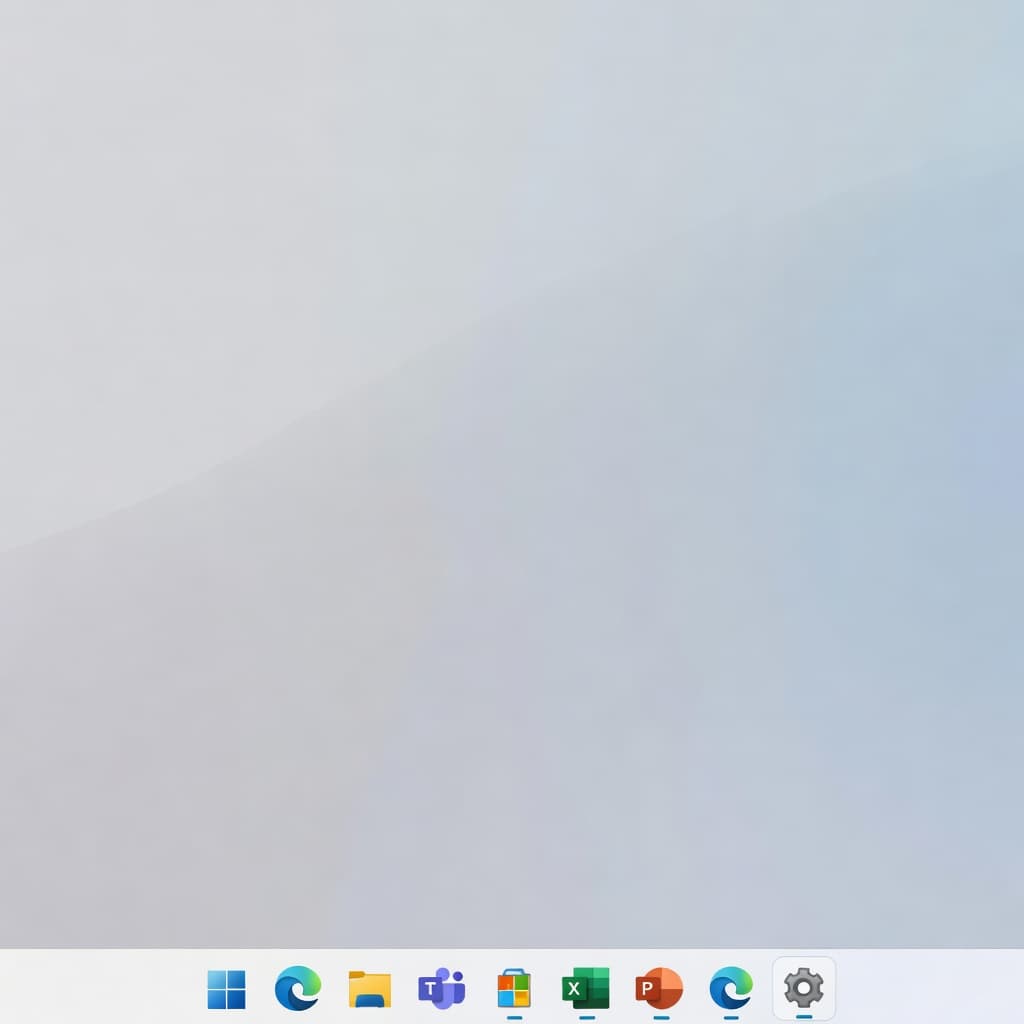
Software
Windows 11 Finally Restores Long-Missed Taskbar Controls
Windows 11 users have waited over a year for the promised customization options they lost with the OS launch, and Microsoft is finally delivering. The latest updates to Windows 11 are restoring a suite of taskbar controls that harken back to the flexibility of Windows 10—and even Windows 7.
What's Coming Back
Microsoft's recent rollout includes several previously unavailable options in Settings > Personalization > Taskbar:
- Smaller taskbar buttons: Users can now scale down icon sizes, a feature that vanished in the original Windows 11 rollout
- Movable and resizable taskbar: The ability to position the taskbar on the top, left, right, or bottom of the screen—along with height adjustment
- Restored label visibility: Option to show app window titles alongside icons, making multitasking clearer
- Combine buttons control: Fine-grained control over when and how adjacent windows are grouped
These aren't cosmetic niceties. For power users, developers, and anyone managing multiple workspaces, taskbar real estate is functional real estate. The original Windows 11 design's one-size-fits-all approach frustrated a significant portion of the user base.
The Restoration Pattern
This rollout exemplifies Microsoft's wider strategy with Windows 11: listen to user feedback, restore demand-driven features incrementally, and avoid alienating your existing user base by insisting on breaking change. It's not the seamless redesign Microsoft originally envisioned, but it's pragmatic.
The timeline shows these options rolling out via the latest 24H2 updates, with some still arriving via Insider Preview builds. Microsoft appears committed to landing all of these in a stable release soon.
Beyond Cosmetics
For developers and content creators, the taskbar matters. Multi-monitor setups benefit enormously from repositioned taskbars, and the ability to shrink taskbar icons without third-party hacks (ExplorerPatcher, StartAllBack) eliminates a pain point that drove many to consider alternative shells.
This also signals Microsoft's willingness to course-correct on "design decisions" that sound good in theory but fail in practice—a lesson worth noting for any software team.
Comments
Loading comments...